
Turnitin No Similarity Report: Causes and Fixes for Students

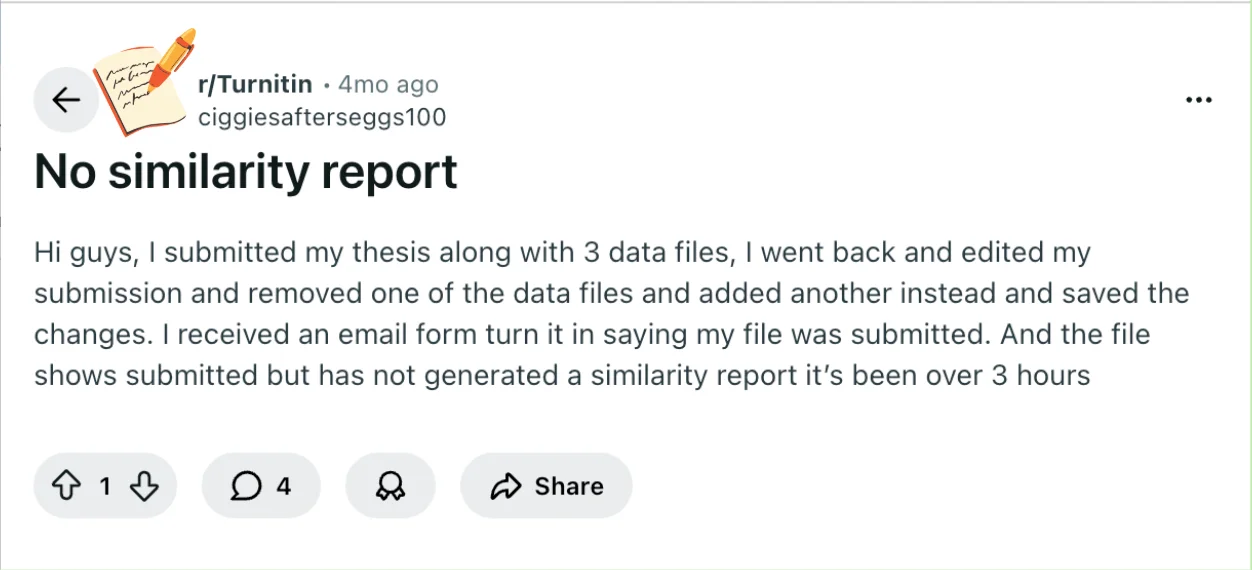
You submitted your thesis and a set of data files, then made an edit by swapping one file for another, and now your Turnitin similarity report hasn’t appeared.
That can be stressful, especially when you’ve already seen the submission confirmation email.
This scenario is common: changes to files can trigger a short delay, and Turnitin’s system sometimes needs extra time to process edits.
Understanding why the report might be delayed can help you stay calm and know what to check next. Let’s break down what could be happening with your Turnitin submission and report.
Quick Answer to Turnitin Report Delay
Direct Answer
Even though you only edited your submission once, Turnitin may treat that change as a new submission.
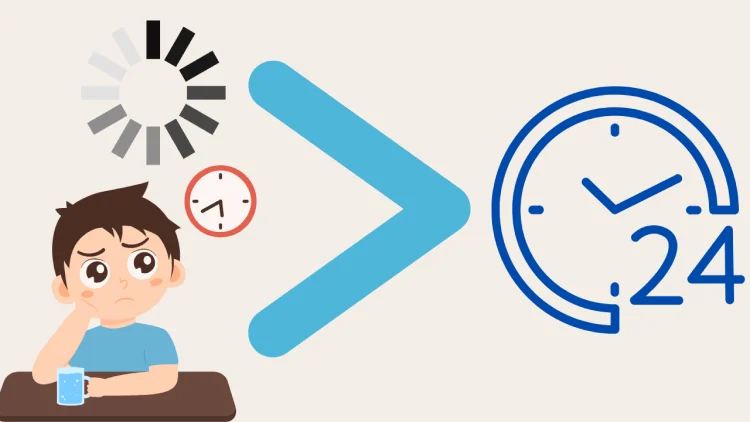
The Turnitin typically takes a few hours to generate a Turnitin similarity report, but in some cases, it can take up to 24 hours.
Multiple rapid submissions, even small edits, can further extend processing time. Technical factors such as file type, size, or formatting could also influence when the report appears.
Essentially, a delay doesn’t usually indicate a problem with your submission itself—it’s often just the system catching up.
TL;DR Bullets
A single file edit can trigger a short processing delay.
Rapid resubmissions may extend the wait time.
File type, size, or formatting might affect report timing.
Receiving the submission confirmation email doesn’t mean the report is ready.
Waiting up to 24 hours is often enough before taking further action.
Understanding these basics helps set expectations, but it also helps to know the specific Turnitin concepts that explain what’s happening behind the scenes.
Key Turnitin Concepts You Need for This Question
Understanding why your Turnitin similarity report hasn’t appeared yet starts with a few key concepts.
First, the Similarity Report is the core output you see after a submission.
It shows how much of your text matches other sources, highlighting overlaps and providing a match list. The match list breaks down each matched portion and identifies the original sources.

Even if your submission shows as “submitted,” the report itself may take time to generate, which is why you might see a delay.
Next, it’s important to know the difference between a submission and a resubmission.
Turnitin can treat edits—even a single file change—as a new submission. This means the system may need to reprocess your entire set of files, which can delay the similarity report.
If multiple edits or submissions happen in quick succession, processing may be slower because Turnitin queues documents to avoid overloading its servers.
Processing time is another factor. Turnitin compares your submission against a massive database of student papers, academic publications, and internet sources.
Depending on system load, file type, file size, and formatting, this step can take anywhere from a few minutes to several hours, or in rare cases, up to 24 hours.
Finally, assignment-specific settings can influence report timing.
For example, some instructors may enable delayed checking or prevent immediate repository storage, which can extend how long it takes for a similarity report to appear.
While these settings vary by institution, they explain why a submitted file might not show a report right away.
Knowing these concepts helps you interpret what’s happening behind the scenes, reduces uncertainty, and sets realistic expectations while waiting for your Turnitin report.
Factors That May Delay a Turnitin Report
Even after a single edit, several factors can affect how quickly your Turnitin similarity report appears.
One common reason is that editing or replacing files may reset Turnitin’s processing for your submission. The system often treats changes as a new submission, which means it needs extra time to compare all content against its database.
Multiple submissions in a short period—either from you or other students—can also slow down report generation.
Turnitin queues submissions to manage server load, so a busy period can extend processing time.
File characteristics may play a role as well. Large files, unusual formats, or certain types of data files can take longer for the system to analyze.
Even if the system confirms your submission, it may still be processing the content behind the scenes.
Finally, assignment-specific settings might influence timing. Some instructors enable delayed checking or limit repository storage, which can postpone when your similarity report is generated.
Quick bullet summary:
File edits can trigger a full recheck.
Multiple rapid submissions can create delays.
File type and size can affect processing speed.
Assignment settings may intentionally delay reports.

Understanding these factors helps you know that a delayed report usually isn’t a problem—it’s just the system catching up.
Bonus Tip: Use a Turnitin Alternative to Generate a Similarity Report
When your official Turnitin report is delayed, limited, or locked behind a cooldown period, it’s natural to look for a way to check your work without risking another submission. That’s where a reliable Turnitin similarity detector can help.
A Turnitin alternative like Turnitindetector allows you to:
Quickly Generate a Similarity Report – Get an preview of your paper’s similarity score, helping you catch potential issues before the final submission.
Detect AI Content – Turnitindetector identifies AI-generated text, showing exactly how your professor would see it.
No Risk of Submission – Your paper isn’t stored in any database, so it won’t affect your final Turnitin score when you officially submit your paper.

Using Turnitindetector is a great way to ensure your paper is properly checked without the risk of submitting a flagged document or affecting your final Turnitin report.
Conclusion
It’s normal for Turnitin to take several hours—or even up to a full day—after an edited submission to generate a similarity report.
A single file change rarely causes a permanent issue, and your submission confirmation email shows that Turnitin has received your files.
The best next step is to wait patiently up to 24 hours while monitoring the Turnitin portal.
Meanwhile, you can review your files for completeness or use a reliable third-party detector for a quick preview. Staying calm and letting the system process is usually all that’s needed.