
Did Turnitin Get a New Update That Detects Rewording?

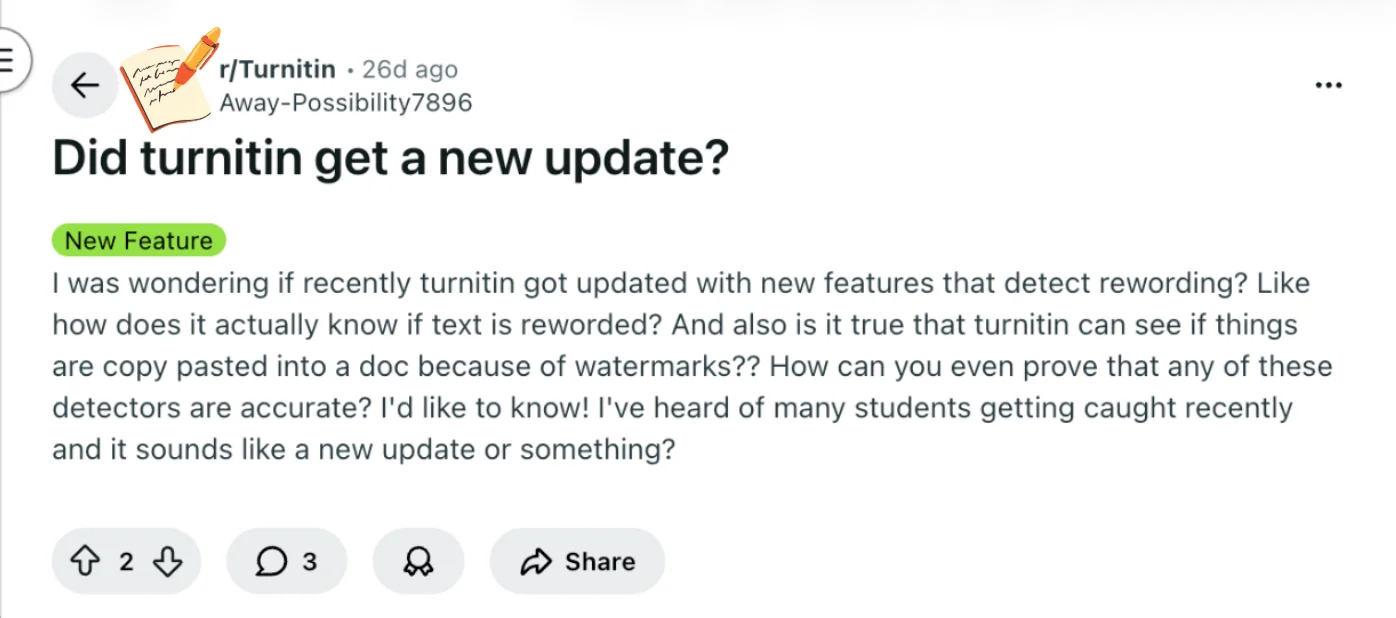
In a Reddit post, a student asked whether Turnitin recently updated with new features to detect rewording or copy-paste watermarks.
The concern comes amid reports of students’ accounts being limited or flagged more often than before.
Some commenters noted that bulk uploads or non-repository scans are being restricted, possibly reflecting updates to detection services aimed at improving scan quality.
Understanding these changes can help you decide how to approach your own submissions without panic. Let’s start by giving a quick answer about these new Turnitin features.
TL;DR
Turnitin has not announced a dedicated “rewording detector.”
Paraphrased text can still match sources through similarity analysis.
Turnitin typically cannot see copy-paste history or document watermarks.
AI detection shows probability patterns, not definitive proof.
Instructors interpret the reports, not the software alone.
Quick Answer to Turnitin New Detection Features
Turnitin does update its system from time to time, but there isn’t an official feature that directly detects “rewording” as an action. Instead, Turnitin mainly relies on text similarity analysis and AI writing detection, which can sometimes catch rewritten content if it still resembles the original source.
Even when text is paraphrased, the system may identify similar phrases, sentence structures, or overlapping keywords when comparing your paper with its database of student submissions, academic publications, and web pages.
As for the idea that Turnitin can detect copy-paste through hidden watermarks, that’s mostly a misconception. Turnitin generally analyzes the final text in the document, not the editing history or whether something was pasted into the file.
Finally, detection tools—including AI detection—are not perfect proof systems. They provide indicators and reports, but instructors are responsible for interpreting the results in context.
Key Turnitin Concepts You Need for This Question
Understanding Turnitin’s updates and Turnitin detection methods starts with a few core concepts.
These terms help you make sense of why your work might be flagged and what the recent changes mean.
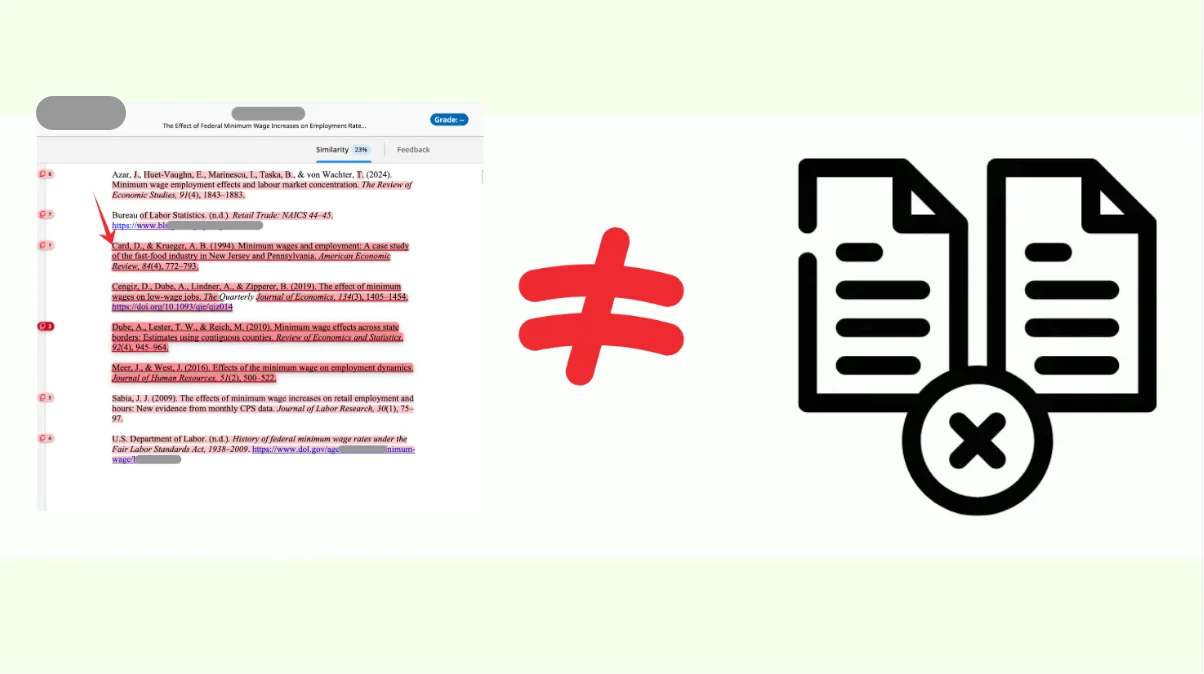
Similarity score: This is a number that reflects how much of your paper matches other sources in Turnitin’s database or online content.

A higher score doesn’t automatically mean plagiarism—it just shows overlap.
With recent updates, the system may better detect reworded or paraphrased text, which can affect this score even if your wording has changed slightly.
Repository: Turnitin’s repository is its library of previously submitted papers, publications, and other reference material.
When you submit a paper, Turnitin compares it to this database. Some updates seem to restrict non-repository scans, meaning your work may be checked more strictly when it isn’t already in the database.
Turnitin Non-repository scans: These are scans that check your work against external sources without saving your submission in Turnitin’s repository.
Students sometimes use these scans to test drafts. Recent changes may limit bulk non-repository scanning, so repeated or mass submissions could trigger restrictions or warnings.
Detection services: This term refers to the underlying algorithms Turnitin uses to analyze text. Updates may have improved the system’s ability to spot reworded content, paraphrasing, or patterns that indicate bulk submissions.
The exact mechanics, like “watermark” detection, are proprietary, so the specifics aren’t publicly confirmed.
Institution and assignment settings: Accuracy and how strictly Turnitin flags content depend on the settings your school or instructor chooses.
Some assignments might allow draft submissions or exclude certain sources, while others may apply stricter checks.
By knowing these concepts, you can better interpret your similarity reports, understand why a paper may be flagged, and make informed choices about drafts and submission strategies.
How Turnitin Detects Reworded or Copy-Pasted Content
With the key concepts in mind, it’s easier to see how Turnitin identifies reworded or copied text.
Turnitin compares your submission against its repository and online sources, looking for exact matches as well as patterns that suggest paraphrasing.
Updates to detection services may improve the system’s ability to spot reworded content, even when the wording has been slightly changed.
Bulk uploads or repeated scans may trigger additional restrictions, which some students notice as flagged accounts or limited access.
While the term “watermarks” has been mentioned, the exact method Turnitin might use to detect copied content in documents is proprietary and not publicly confirmed.
Rewording detection likely relies on algorithmic pattern recognition rather than literal word-for-word comparison.
Copy-paste detection checks for identical phrases or unusual formatting, but specific watermark mechanics are unknown.
The main takeaway is that Turnitin’s system is designed to identify both obvious copying and more subtle attempts to change wording.
Understanding this helps you see why flagged submissions can happen even when you’ve tried to paraphrase carefully.
Understanding Accuracy and False Positives
Knowing how Turnitin flags content is helpful, but it’s equally important to understand how reliable these detections are.
Turnitin is generally accurate, but no system is perfect, and false positives—instances where text is flagged even though it’s not plagiarized—can happen.
Several factors can affect accuracy:
Institution and assignment settings: Some instructors allow draft submissions or ignore certain sources, which can influence what Turnitin flags.
Algorithm limitations: Reworded or paraphrased content may sometimes be incorrectly flagged if patterns resemble other sources.
Content type: Direct quotations, common phrases, or technical terms can occasionally trigger matches that aren’t problematic.
False positives are relatively rare, but they can be stressful if you see a high similarity score.
Being aware of these possibilities helps you interpret your reports calmly and take appropriate action, like reviewing flagged passages before submission.
Understanding how Turnitin accuracy works also sets the stage for considering third-party tools.
These can provide an extra check to identify potential issues before you submit, giving you more confidence in your work.
Bonus Tip: Turnitin Alternatives to Check Your Paper Before Submission
If you’re looking for a way to check your paper before officially submitting it to Turnitin, Turnitindetector is a reliable alternative that can provide valuable insights.
With Turnitindetector, you can:
Get a Turnitin Similarity Report – Quickly identify potential areas of concern by previewing your paper's similarity score, helping you revise before the final submission.
Detect AI-Generated Content – Turnitindetector also checks for AI-generated content, showing you exactly what your professor will see when they review your paper.
No Risk of Database Storage – Your paper is not stored or submitted to any database, so it won’t affect your final Turnitin score or submission history.

By using Turnitindetector as an alternative, you can check your work with confidence, ensuring it meets academic standards before submitting it to Turnitin.
Conclusion
Turnitin may have been updated to detect rewording more effectively and limit bulk or non-repository scans.
While some reports mention watermarks, the exact mechanics aren’t publicly confirmed. False positives are rare, and flagged submissions don’t automatically indicate misconduct.
The safest approach is to write honestly, avoid copying or AI-generated text, and optionally use third-party detectors to review drafts. Staying informed about detection methods and system updates helps you submit confidently without unnecessary worry.