
Turnitin Server Down? Why Your AI Report Isn’t Generating

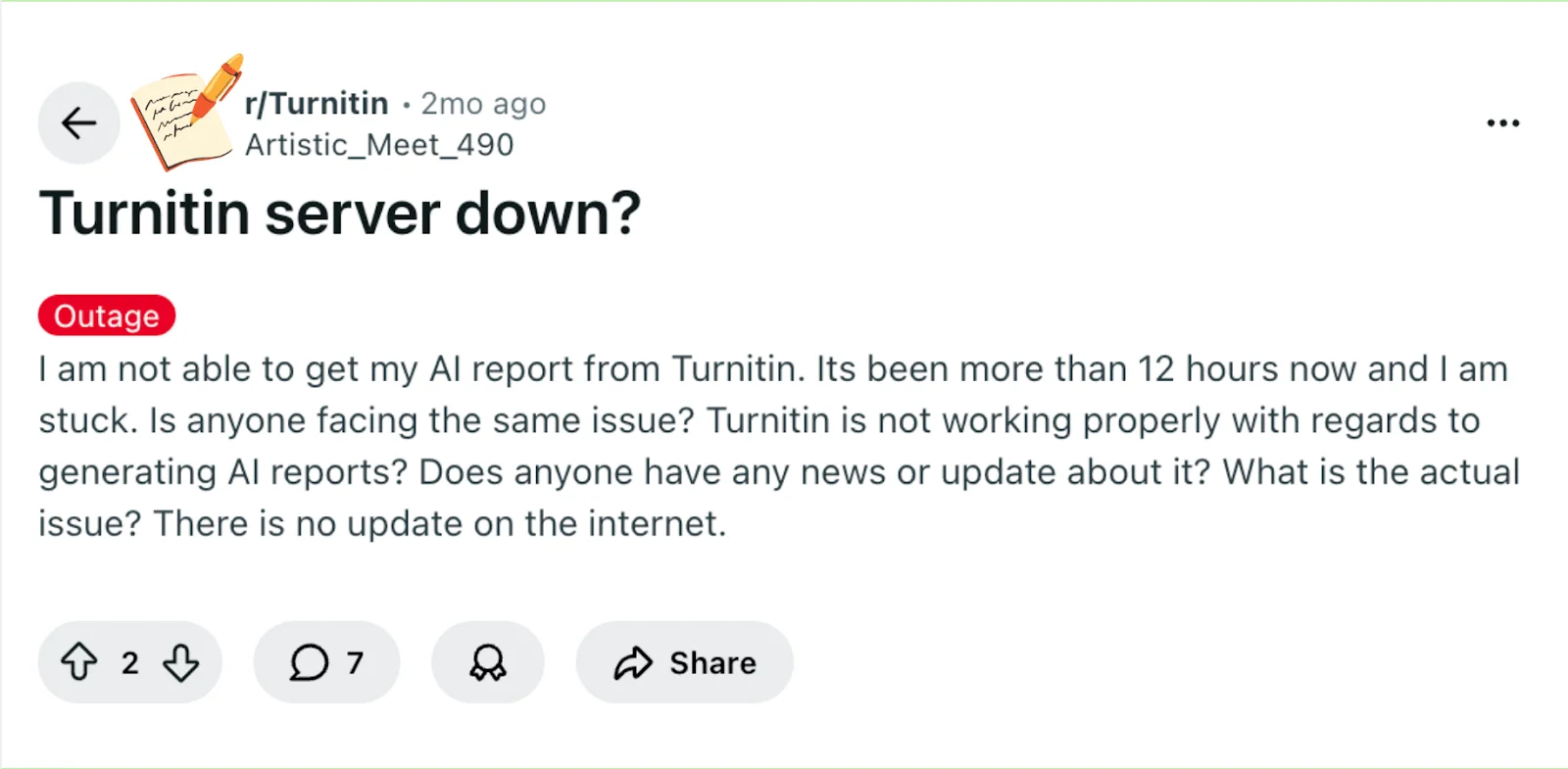
A student recently shared being stuck for more than 12 hours without a report, unsure if the Turnitin server was down or if something was wrong with their account.
Delays like this can feel stressful, especially when deadlines are looming.
Understanding why your report might not generate and what factors influence Turnitin’s processing can help you decide your next step and reduce anxiety.
The first thing to know is a quick answer to the “Turnitin server down?” question, which can clarify what’s likely happening with your report.
Quick Answer: Is Turnitin Server Down?
If your AI report isn’t generating, it doesn’t necessarily mean Turnitin’s servers are down.
The most common reasons include:
AI report processing delays
High submission traffic
AI detection disabled in the assignment
Turnitin AI reports visible only to instructors
Temporary system queues
It’s also important to know that in many Turnitin assignments, students cannot see the AI report at all. The AI detection results are often only visible to instructors, even when the report has already been generated.

How Turnitin AI Reports Are Generated
Turnitin’s AI detection works differently from the standard Similarity Report.
After you submit a paper, Turnitin processes it in several stages:
Text extraction – the system reads the document and extracts readable text.
AI pattern analysis – Turnitin analyzes sentence patterns and language predictability to estimate whether parts of the text may be AI-generated.
Report generation – the AI detection result is added to the instructor’s report dashboard.
Because this process involves additional analysis, AI reports often take longer to generate than similarity reports.
Why Your Turnitin AI Report May Be Delayed
Several factors can cause a Turnitin similarity report might not appear or delay the AI report generation after submission.
High Server Traffic
During busy periods—such as assignment deadlines or exam weeks—Turnitin processes a large number of submissions. This heavy traffic can slow down the system, which may cause the Similarity Report or AI report to take longer to generate.
Processing Queue
Turnitin processes submissions in a queue. If many papers are submitted around the same time, your report may simply be waiting its turn. In these cases, it may seem like the similarity report might not appear, but it is often still being processed.
File Processing Issues
Some files take longer for Turnitin to analyze, especially when they contain:
large document sizes
complex formatting
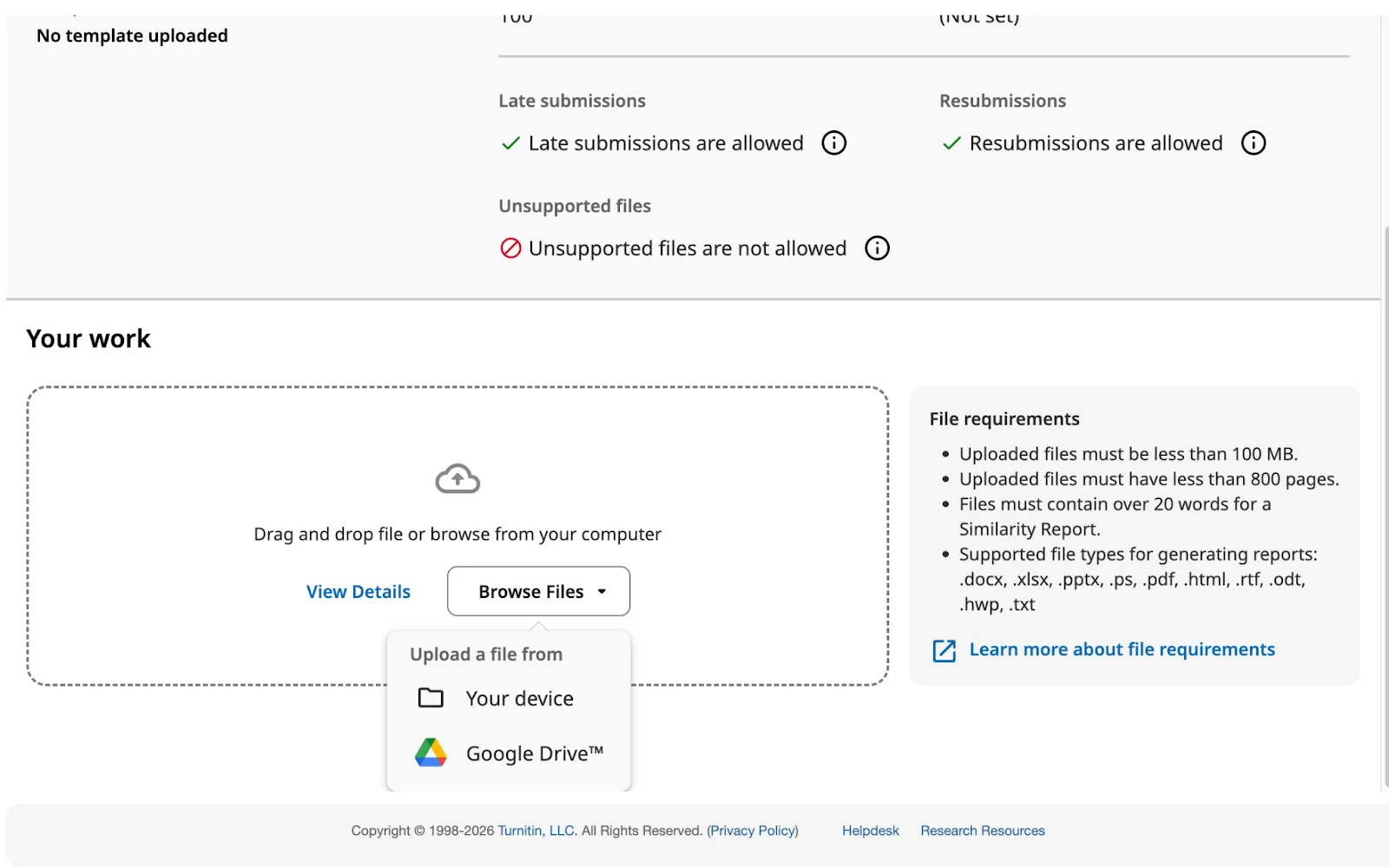
PDFs with embedded elements or non-selectable text
These issues can delay the system’s ability to extract text and generate both the Similarity Report and AI detection results.
Assignment Settings
In some assignments, AI detection may be disabled, or the AI results may be restricted to instructors only. When this happens, the AI report may exist but students will not be able to see it in their accounts, which can make it seem like the report was never generated.
How Long Turnitin Reports Usually Take
AI detection results are not always instant.
Typical timeframes are:
Similarity report: a few minutes to several hours
AI detection report: several hours, sometimes up to 24 hours
During peak submission times, the delay can occasionally be longer.
If your report hasn’t appeared after 12 hours, it may simply still be in the system’s processing queue.
Steps to Check or Work Around Delays in Turnitin Reports
Knowing why your AI report might be delayed is useful, but the next step is taking practical action to see if you can move things along.
First, check the Turnitin status page for any reported outages or maintenance.
Even if nothing is listed, it’s a good starting point to confirm that major server issues aren’t affecting everyone.
Pay attention to upload limits. If you’ve submitted multiple files recently, consider waiting before submitting again, as exceeding three uploads in 24 hours can slow down processing.
Trying a different device or browser can also help. Sometimes mobile apps or certain browsers experience minor glitches that prevent reports from generating.
If your report is still not appearing and your deadline is close, reach out to your instructor or Turnitin support. They can clarify whether the issue is system-wide or specific to your account.
These steps don’t guarantee instant results, but they help you understand whether the delay is temporary, avoid further processing issues, and plan your next move without unnecessary stress.
What You Should Do If Your AI Report Isn’t Showing
If your AI report hasn’t appeared yet, try these steps:
Wait Up to 24 Hours
AI reports sometimes require additional processing time, especially during busy periods.
Refresh the Submission Page
Log out and log back in or refresh the page to see if the report has appeared.
Check Assignment Settings
AI detection may not be enabled for your assignment, or the results may be visible only to instructors.
Contact Your Instructor or Administrator
If the report still doesn’t appear after sufficient time, your instructor or school administrator can check whether the AI report has been generated.
How to Check If Turnitin Servers Are Actually Down
If you suspect a system outage, you can verify it through several sources.
Check the Turnitin System Status Page
Turnitin provides an official system status page that shows whether services are currently experiencing disruptions.
Check Your School’s Learning Platform
If your school uses platforms like Canvas, Blackboard, or Moodle, administrators often post announcements when Turnitin services are affected.
See If Other Students Are Reporting the Same Issue
If many students are experiencing the same delay, it may indicate a temporary service disruption.
An Alternative to Turnitin When the Server is Down
If you're facing issues with Turnitin being down or unavailable, it's essential to have a reliable alternative to check your paper. Turnitindetector provides an excellent solution for quickly reviewing your paper before submission. It offers all the features you need to ensure your paper is free from plagiarism and meets academic standards. With Turnitindetector, you can:
Get an accurate similarity report to check your work.
Detect AI-generated content with detailed reports.
Ensure your paper isn't stored in any database, protecting your final submission score.
Turnitindetector is a trusted, easy-to-use tool that helps you stay on track even when Turnitin isn’t available.

Conclusion:
If your Turnitin AI report isn’t generating, it’s likely due to temporary server delays, frequent uploads, or account/device-specific factors rather than a permanent problem.
You’re not alone—others may experience the same pause. The best next step is to check the Turnitin status page, avoid exceeding upload limits, and, if urgent, contact support or your instructor.
While waiting, you can cautiously use a third-party detector to preview potential AI content, giving you confidence that your submission is on track even if the official report is delayed.