
Why Can’t I Enroll in My Turnitin Class This Year?

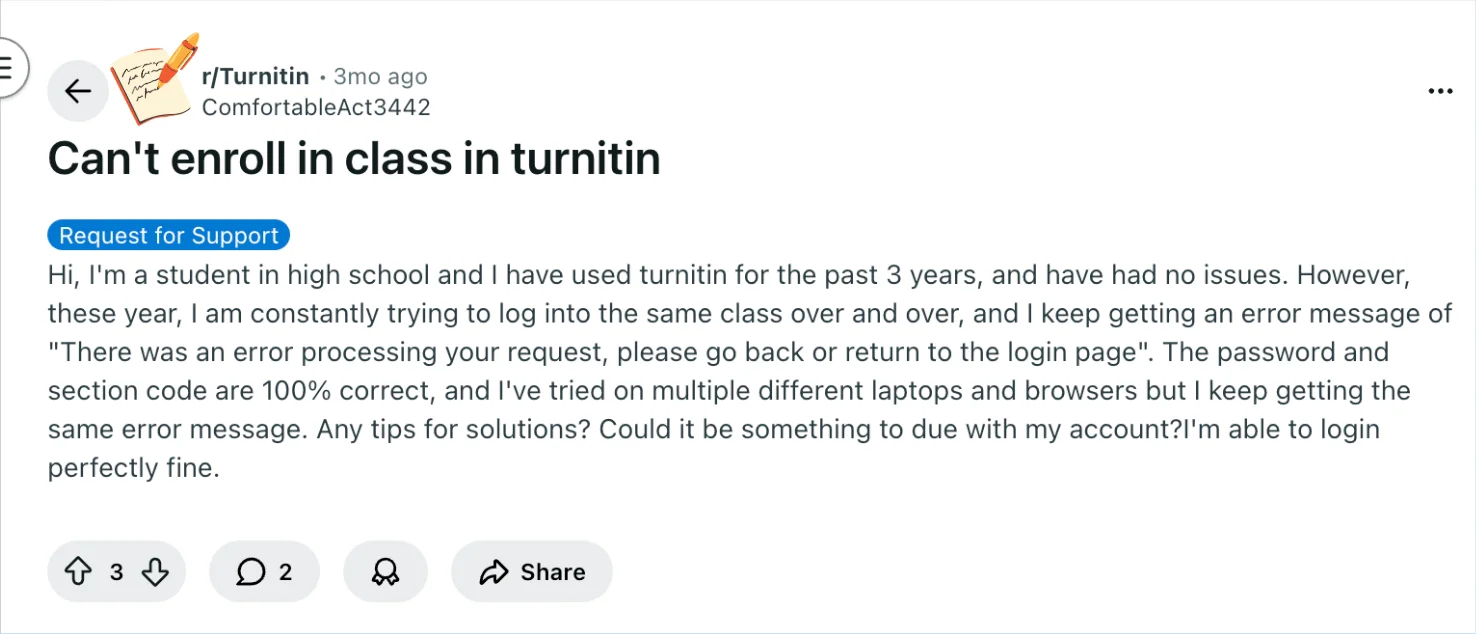
In one Reddit post, a high school student described seeing the message: “There was an error processing your request, please go back or return to the login page,” even though their password and section code were correct.
This scenario highlights how enrollment errors can appear unexpectedly, even on familiar accounts. Understanding why this happens will make it easier to know your options and what to try first.
The next section gives a quick answer to why your Turnitin class enrollment might be blocked and what it means for your account.
TL;DR
If you can log in to Turnitin but can’t join a Turnitin class, your account is usually not the problem.
The issue often comes from invalid Class ID or enrollment key, or the class being closed or reset.
Sometimes it’s caused by class settings, enrollment limits, or a temporary system error.
Confirm the latest class details with your instructor to resolve it quickly.
Why Turnitin Won’t Let You Join a Class
If you can log into Turnitin normally but still can’t enroll in a class, the problem is usually not your account password or a general login issue. In most cases, the error happens because Turnitin cannot complete the class enrollment request itself.
One common reason is that the Class ID or enrollment key is no longer valid. Even when the code looks correct, the class may have been reset, recreated, or closed by the instructor. In that situation, the old details stop working even though your account is fine.
Another possibility is that the class is still there, but its settings prevent new enrollments. For example, the class may no longer be active, it may have reached its enrollment limit, or the instructor may have created a new version for the current term. When that happens, Turnitin often shows a general error message instead of clearly explaining the exact cause.
It is also possible that the issue comes from a temporary system or browser problem. Cached data, browser conflicts, or a short-term Turnitin processing error can sometimes block the enrollment page even when everything else seems correct. That is why students sometimes see the same error across multiple attempts.
So, when you can sign in but cannot join a class, the most likely explanation is that the enrollment information or class setup is the real issue, not your personal account. The fastest way to solve it is usually to confirm the class details with your instructor and make sure the class is still active and open for enrollment.
Key Turnitin Concepts You Need for This Question
Understanding a few Turnitin concepts can help you make sense of why enrollment errors happen and what to check first.
1. Account status: Your Turnitin account needs to be active for class enrollment.
Even if you can log in normally, small glitches—like a temporary login token error or incomplete account activation—can prevent the system from processing a class join request. Knowing your account is fully active gives you a baseline before troubleshooting.
2. Class enrollment and section codes: Each Turnitin class has a unique section code.
Entering the correct code is essential, but sometimes the system won’t recognize it if the class setup changed, your account isn’t linked to the class correctly, or the code has been updated by your school.

3. Browser and device compatibility: Turnitin works best on updated browsers like Chrome, Edge, or Firefox.
Certain extensions, outdated browsers, or even multiple open sessions can interfere with enrollment. That’s why trying a different device or clearing cached data often helps.
4. Error messages: Turnitin’s generic errors—like “There was an error processing your request”—don’t always pinpoint the exact cause.
They indicate the enrollment attempt failed but don’t confirm whether it’s a technical, account, or class-side issue. Recognizing that error messages are often broad can prevent unnecessary worry and guide you toward practical steps.
5. Class and school settings: Turnitin access can depend on your school’s subscription or class configuration.
Changes at the school level—like updating class sections, enabling new enrollment settings, or adjusting account permissions—may block enrollment temporarily.
By keeping these concepts in mind, you can approach troubleshooting more confidently and avoid assuming the problem is on your end.
Knowing the role of account status, section codes, and browser compatibility helps you take effective steps before contacting support.
Troubleshooting Turnitin Enrollment Errors
If you’re still unable to enroll in a Turnitin class after checking your login and class details, a few simple troubleshooting steps can help identify the problem.
First, verify the Class ID and enrollment key carefully. These codes must match exactly what your instructor provided. Even small differences—such as an extra space or incorrect capitalization in the enrollment key—can prevent Turnitin from processing the request.
Next, try refreshing your login session. Log out of Turnitin, clear your browser cache or cookies, and sign in again. Sometimes stored browser data can interfere with the enrollment page and cause unexpected errors.
It’s also helpful to test another browser or device. If the problem is related to browser extensions, cached data, or compatibility issues, switching browsers can sometimes resolve it immediately.
If the error still appears, the issue may be related to the class configuration itself. Instructors sometimes recreate classes for a new term, which generates a new Class ID and enrollment key. In that case, the old codes will no longer work even though your account is functioning normally.
Finally, if none of these steps work, the best option is to contact your instructor or school administrator. They can confirm whether the class is active, verify the correct enrollment information, or check if there are any restrictions preventing new students from joining.
Bonus Tip: Use Turnitin Without a Class ID
If you're looking for a way to check your paper without needing a Turnitin account or class ID, Turnitindetector offers a simple solution. With this tool, you can get a Turnitin similarity report without the need for official access to Turnitin through a class.
With Turnitindetector, you can:
Get a Similarity Report – Quickly check your paper's similarity score without needing a class ID, just by uploading your document.
Turnitin AI Content Detection – It also scans for AI-generated content, giving you insights into what your professor would see in their Turnitin report.
No Need for a Turnitin Account – You can get a detailed report without the hassle of creating a Turnitin account or having access to a class ID.
No Risk of Submission – Your paper isn’t stored anywhere, so it won’t affect your final Turnitin score when you submit your work officially.

Using Turnitindetector, you can easily preview your paper’s similarity score and AI content, ensuring you're ready to submit without needing to go through the official Turnitin system.
Conclusion
If you can log into Turnitin but can’t enroll in a class, it’s usually a temporary or technical issue rather than a problem with your account.
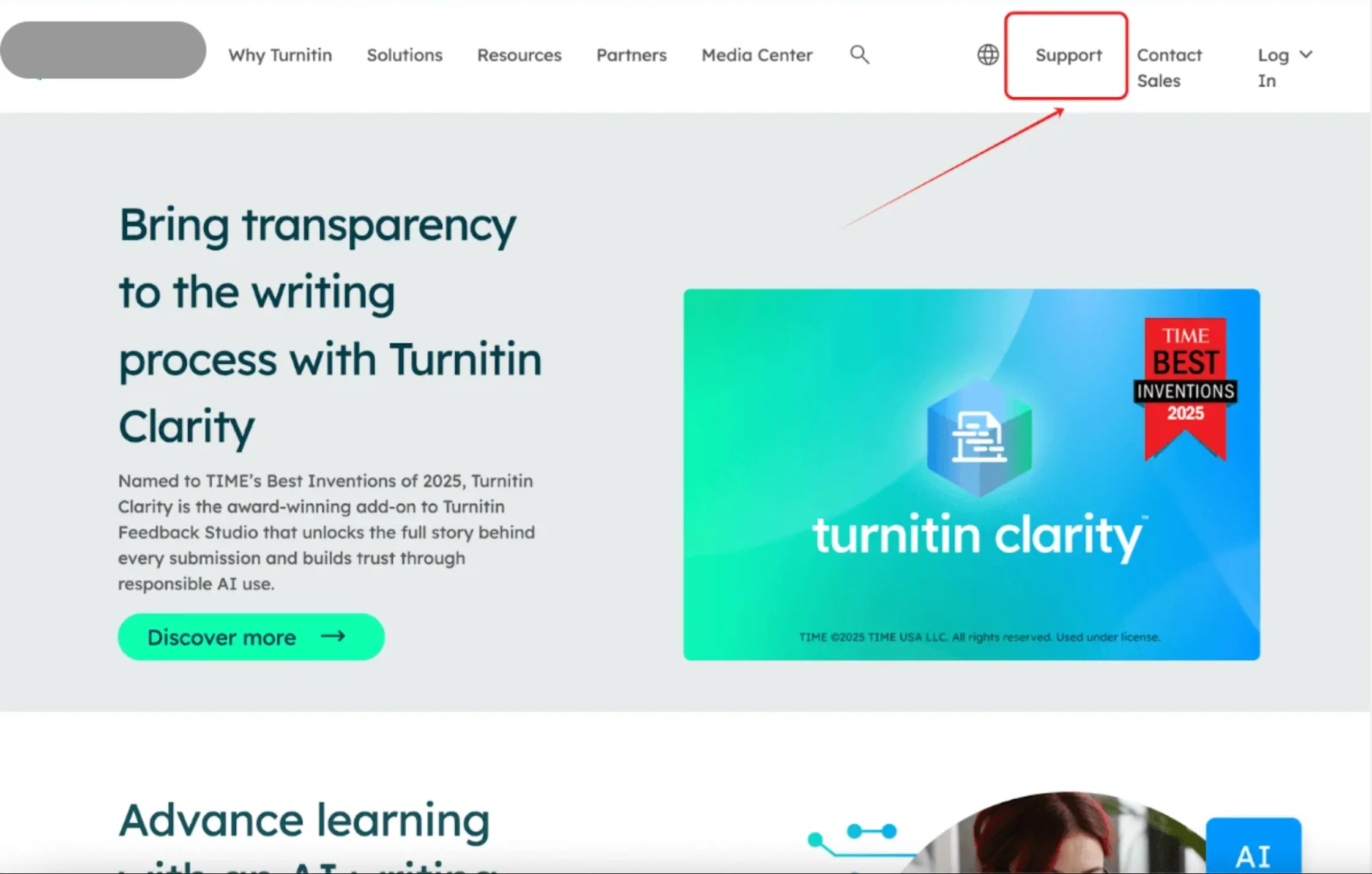
Common causes include server glitches, browser or device settings, or changes to class setup. Start by clearing your cache, trying a different browser, and confirming your account is fully active. If the problem continues, reach out to Turnitin support for guidance.
Staying calm and methodically checking these steps usually gets you back into your class without long delays.